


Free Body Parts Game Worksheet


Browse all Science Worksheets →
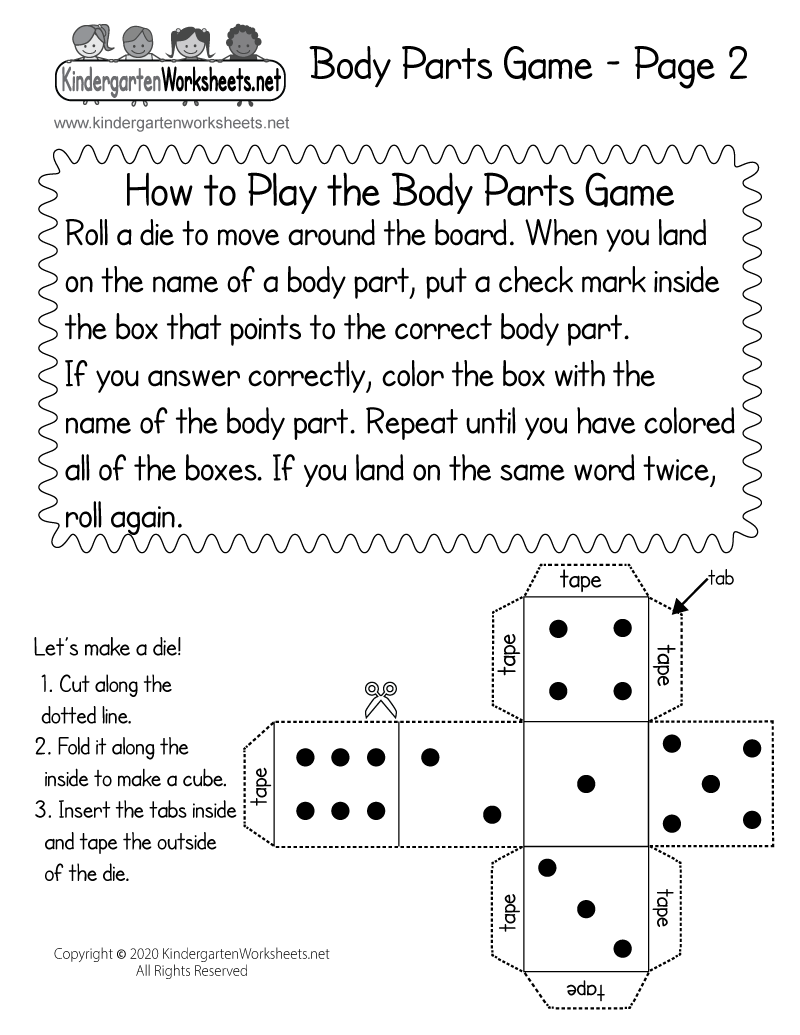
Page 2 - Instructions for the Body Parts Game
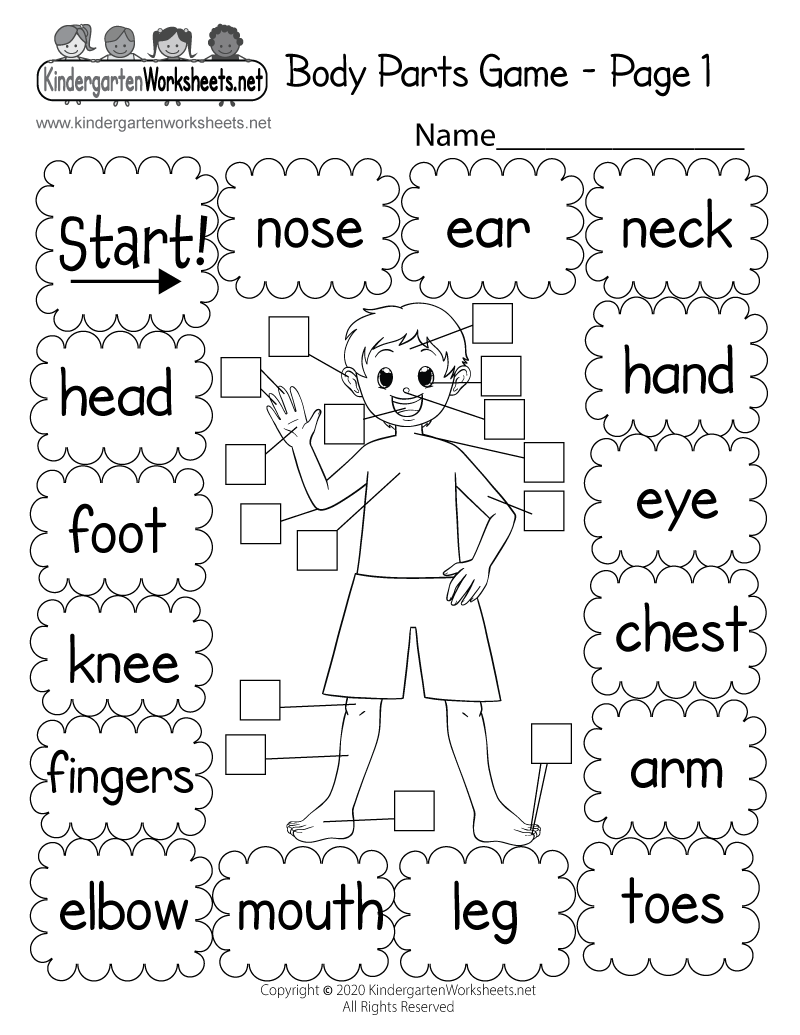
Free Body Parts Game Worksheet for Kindergarten
Students can learn the names and locations of body parts in this fun printable game. Children are asked to match the names of body parts with the pictures of each body part as they move around the board. This is an excellent way to teach kids about the human body.
The body parts covered in this activity are ears, nose, neck, hands, eyes, chest, arms, toes, legs, mouth, elbow, fingers, knees, head, and feet.
Page 2 - Instructions and Dice for the Body Parts Game
This worksheet has the instructions and a die for the body parts game. Children can make their own die that can be used when playing the game by completing a fun cutting activity.
How to Play the Body Parts Game
Roll a die to move around the board. When you land on the name of a body part, put a check mark inside the box that points to the correct body part. If you answer correctly, color the box with the body part's name. Repeat until you have colored all of the boxes. If you land on the same word twice, roll again.
Made for the classroom or home, this free worksheet is easy to use for teachers, parents, and homeschool families. Download the PDF for the best print quality, or choose the printable version to print right from your browser.
Download or Print This Worksheet
- Body Parts Game Worksheet PDF - Download, Best Quality
- Printable Body Parts Game Worksheet - Print Directly from Your Web Browser
- Printable Instructions for the Body Parts Game - Print Directly from Your Web Browser
Tips for Getting This Body Parts Game Worksheet
Above the free "Body Parts Game" worksheet, you will see two icons: Download and Print. Select the Download icon to open the worksheet as a PDF (recommended for the best print quality). You can save the PDF to your device and print it anytime. Select the Print icon to open a print-friendly page focused on the worksheet, then click the Print This Worksheet button (or use Ctrl + P on Windows/Chromebook or Command + P on Mac).